During my early days learning Flutter, I wanted to build something both useful and technically challenging. That’s how Tutut’ was born — a mobile app designed to help drivers quickly find the cheapest fuel nearby, even without internet connection.
🚗What It Does ?
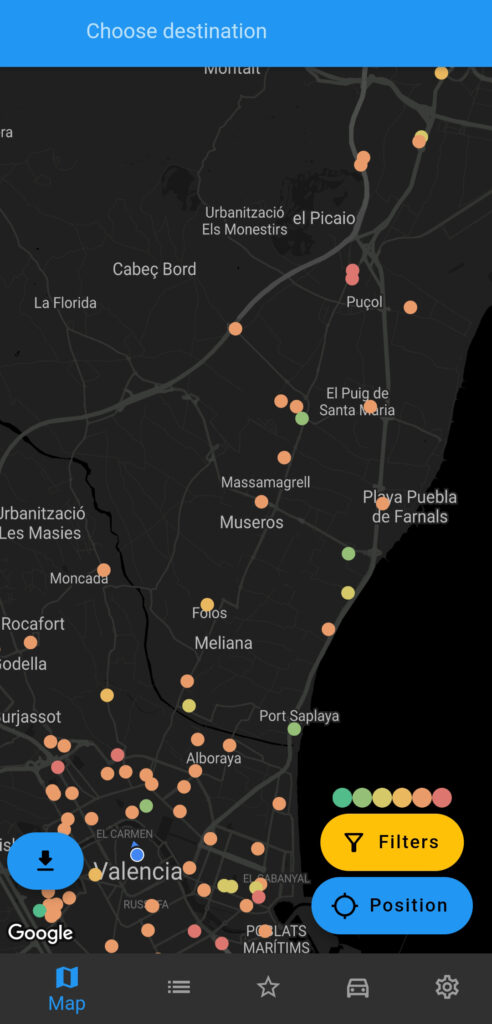
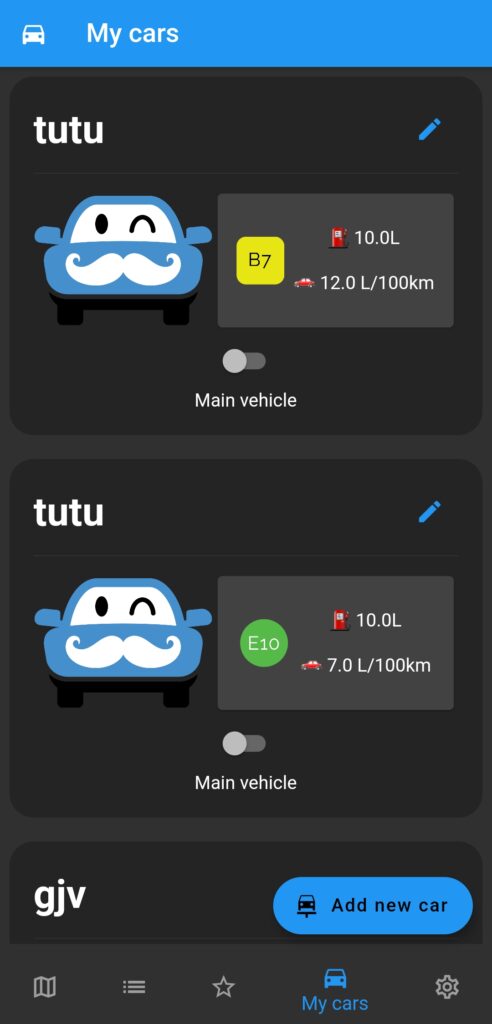
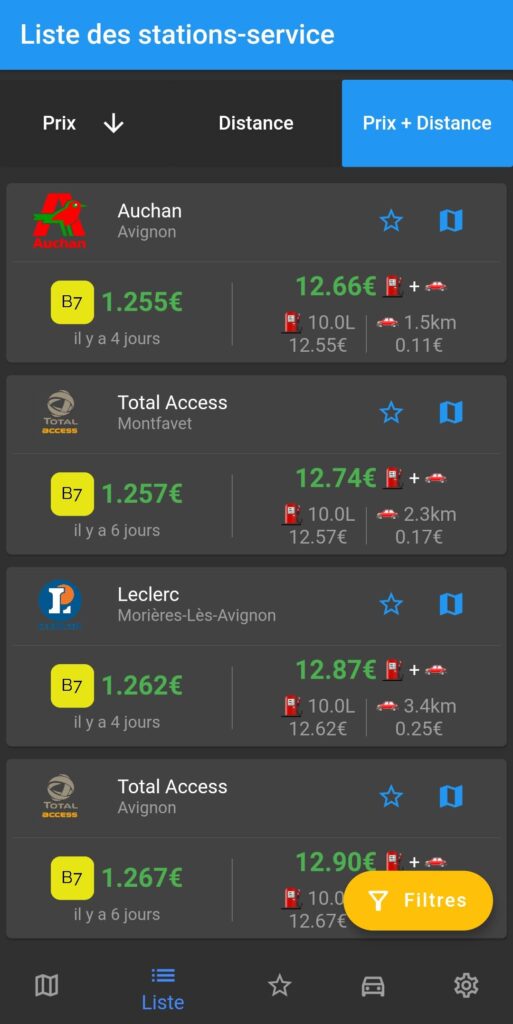
Tutut’ displays nearby gas stations on a map with live fuel prices, color-coded from green (cheap) to red (expensive). Users can filter stations by brand (like Carrefour or Auchan), by fuel type, or even assign a default fuel preference to their car.
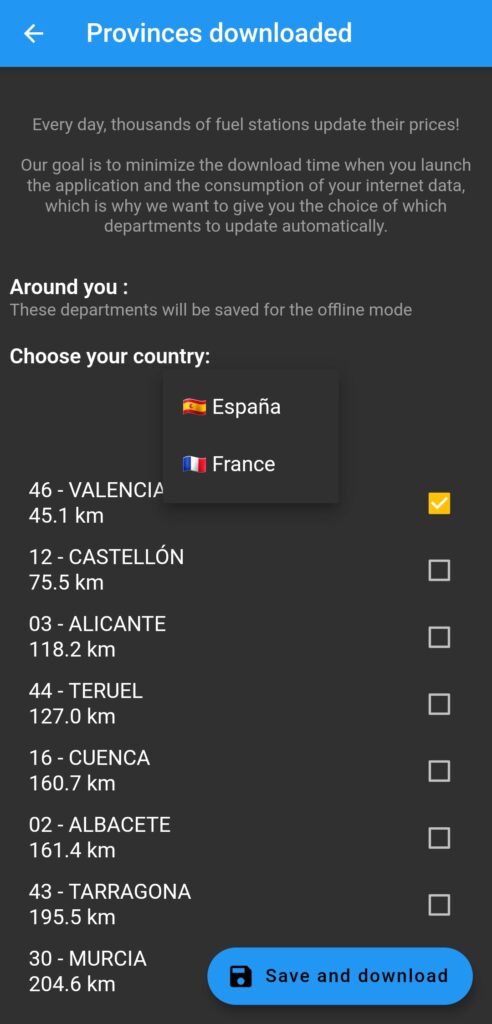
One of the app’s key features is offline access. Whenever the app starts and there’s an internet connection, it fetches the latest fuel data from a Django-powered API. The data is then saved locally in SQLite, so the user can continue using the app even without a connection. No signal? No problem.
Bonus, the app has been translated in multiple languages — French, English, and Spanish.
⚙️ Under the Hood
I used Flutter with packages like:
- Google Maps Flutter for map integration
- SQFLite for offline local storage
- Provider for state management
- intl for translation
The backend was built with Django, handling data aggregation and updates. Prices were updated daily, ensuring accuracy across France and Spain.
I designed the UI myself, focusing on clarity, simplicity, and intuitive filters — keeping in mind that most users would be checking prices quickly.
🔍 Real-World Testing
Before releasing the app, I had several friends test it in a closed environment. Their feedback helped me smooth out edge cases, fix bugs, and optimize the UX. The reception was encouraging, and the app reached +1,000 downloads.
🧠 Lessons Learned
The hardest part? Honestly, inventing something from scratch, figuring out what was useful and achievable. I didn’t want to just replicate an existing app. I wanted to create a simple, offline-first tool that didn’t exist yet.
This project taught me a lot: how to manage a complete Flutter/Django stack, handle local storage, design a clean UI, and most importantly, build something that people actually wanted to use. It gave me confidence to take on bigger projects and sharpened my problem-solving skills as a developer.
You can get it here :


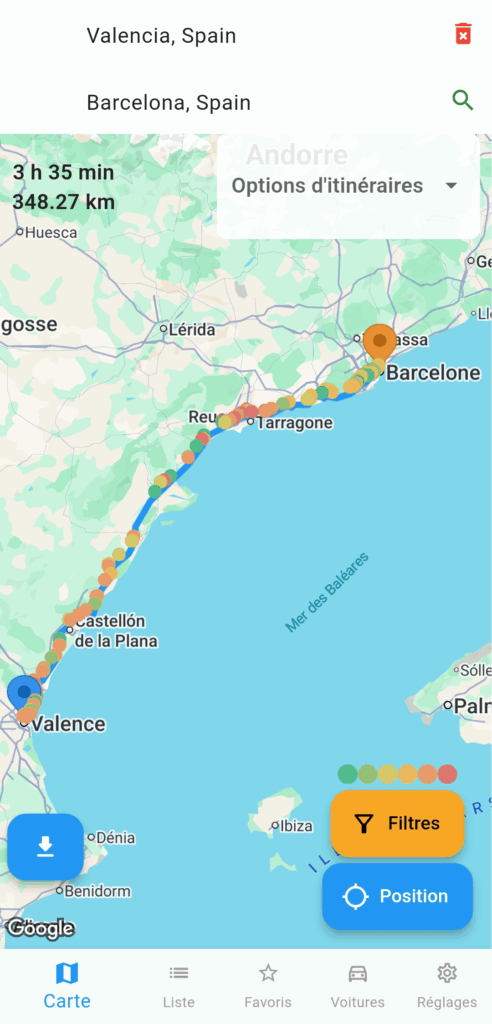
Route-aware cheapest pump (Valencia → Barcelona example)
One of the flagship features of v2.0.0 is being able to find the best pump on a path (e.g. cheapest pump while driving from Paris to Lyon). The high-level approach:
- Obtain route geometry: ask the user for a trip (origin/destination with Google Places API), then call a Directions API (Google) and receive a polyline for the path.
- Sample the route: dissolve the polyline into sample points every
Nmeters (in my case every 5 km). - Query local store: for each sample point, query pumps within a corridor radius
R. Collect candidate pumps. - Compute an adjusted cost score for each pump, adding detour penalty (time/distance cost) so the app balances pump price vs detour.
- Return best recommendations: sort by the adjusted score and present the top results in map to the user.